Official art
Treat official screenshots as context, not proof of every route
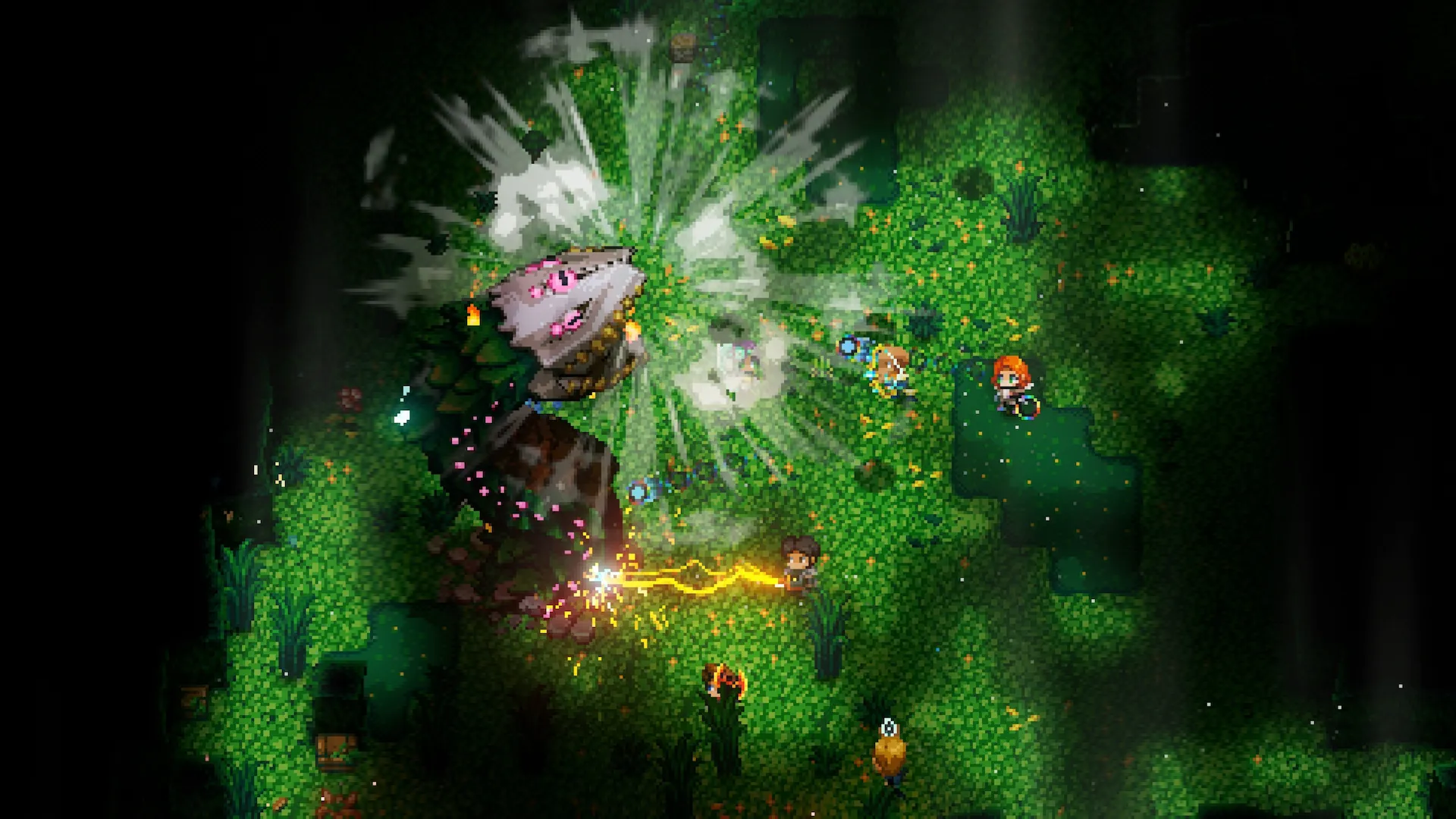
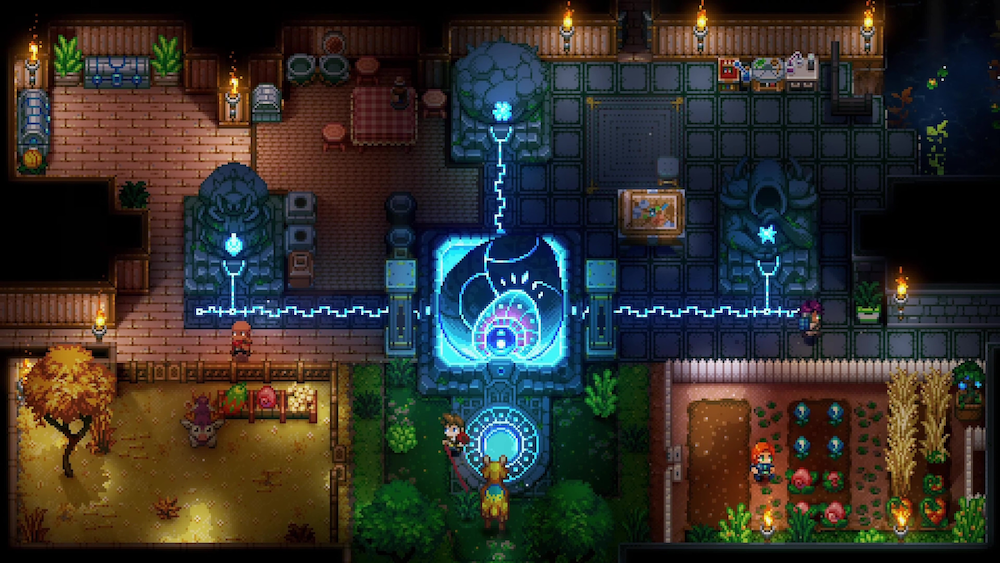
Official Core Keeper images help show the real game mood, but page-specific captures should replace repeated shots first on boss routes, biome searches, and material farms.
Scene notes and maps
This is a support shelf, not the main route through the site.
The goal here is to help when a route, arena lane, or landmark is easier to compare visually. Once the cue makes sense, the main article should take over again.
The Core Keeper Editorial Desk is the public byline responsible for guide wording, source context, revision notes, and reader correction follow-up.
Meaningful recommendation, layout, and media changes are logged on the corrections page.
Report a visual that needs a stronger captureMore pages with clear scene support
Progression
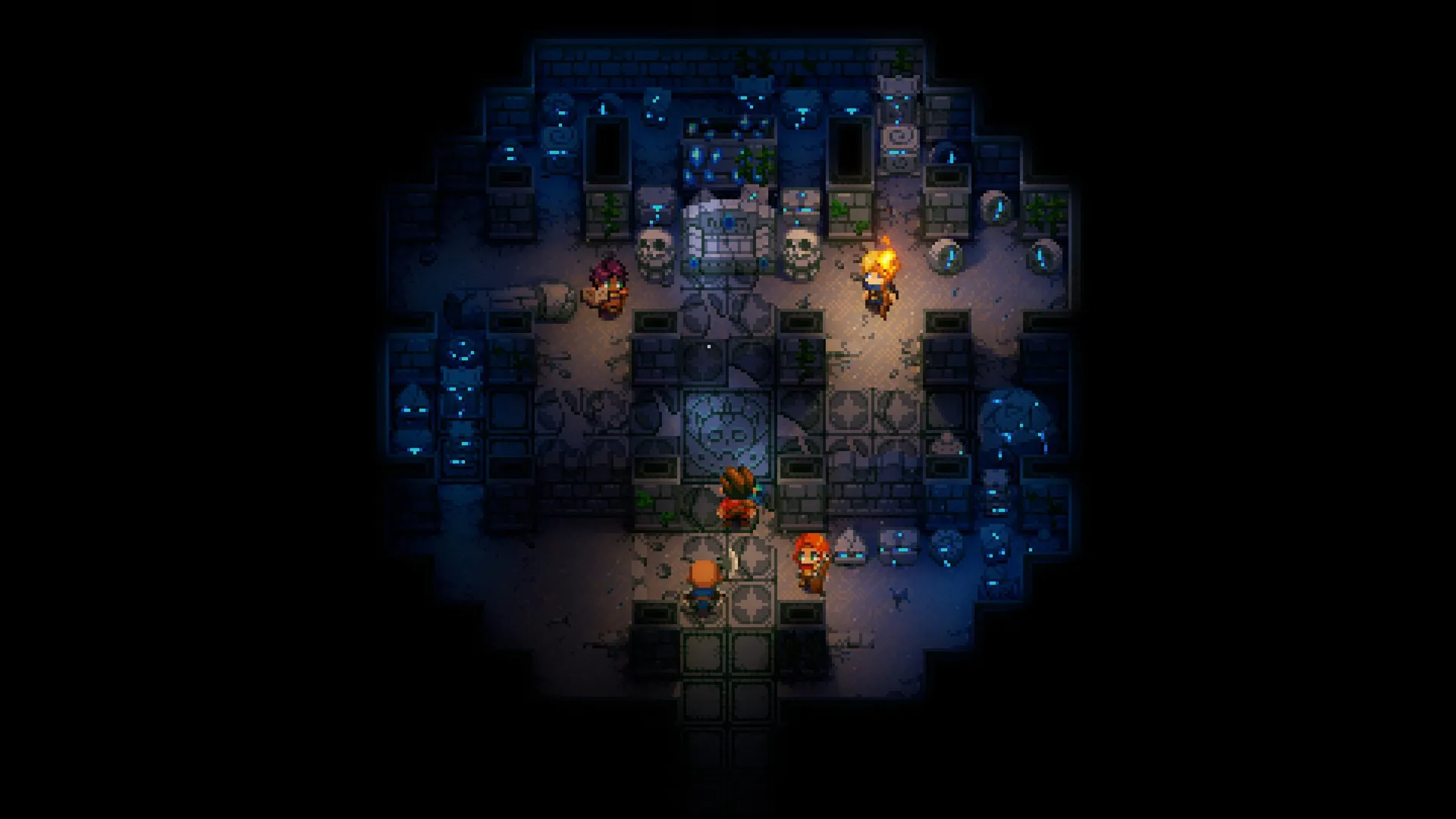
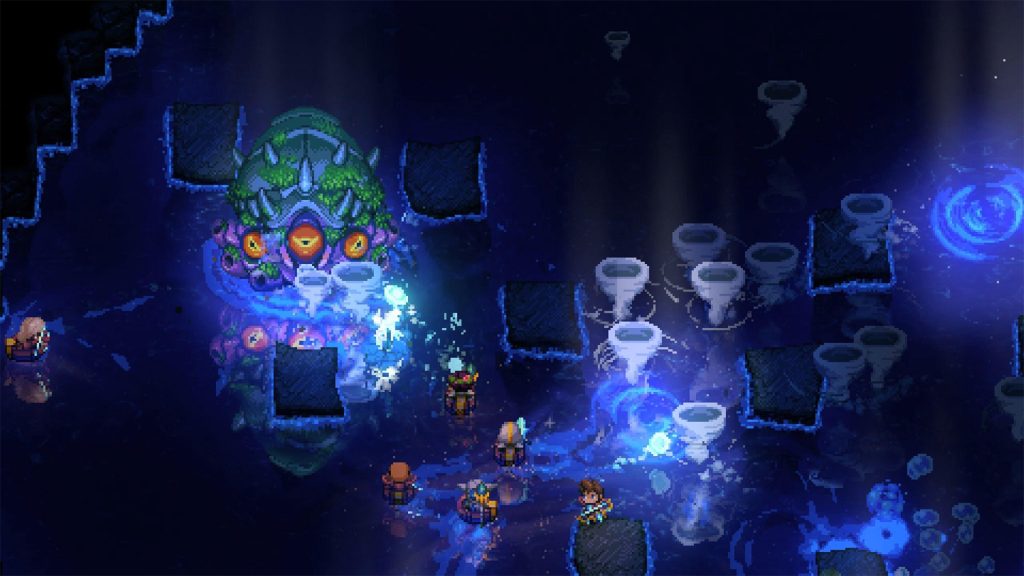
The real boss scene gives fight pages stronger context before the arena sketch explains the safer line. The supporting editor notes explain the practical decision without replacing the real in-game scene.
Progression
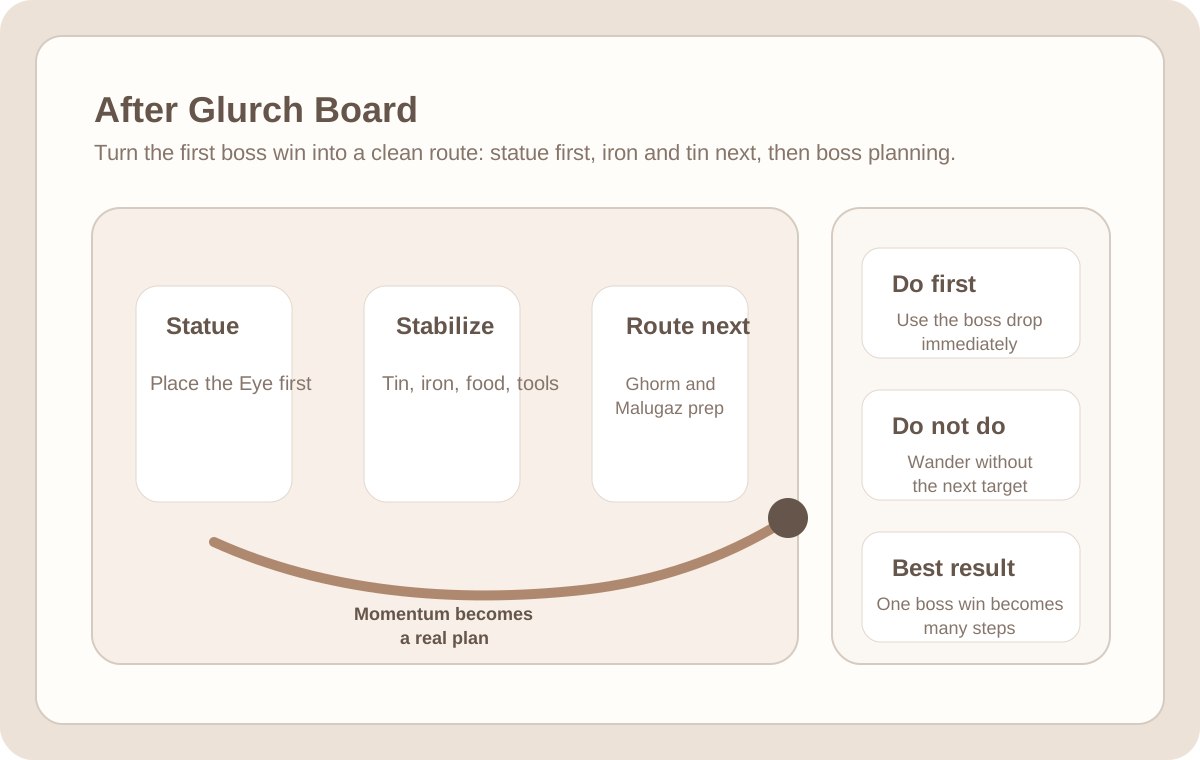
The real combat view helps the page feel grounded before the guide explains movement, safety, and recovery. The supporting editor notes explain the practical decision without replacing the real in-game scene.
Progression
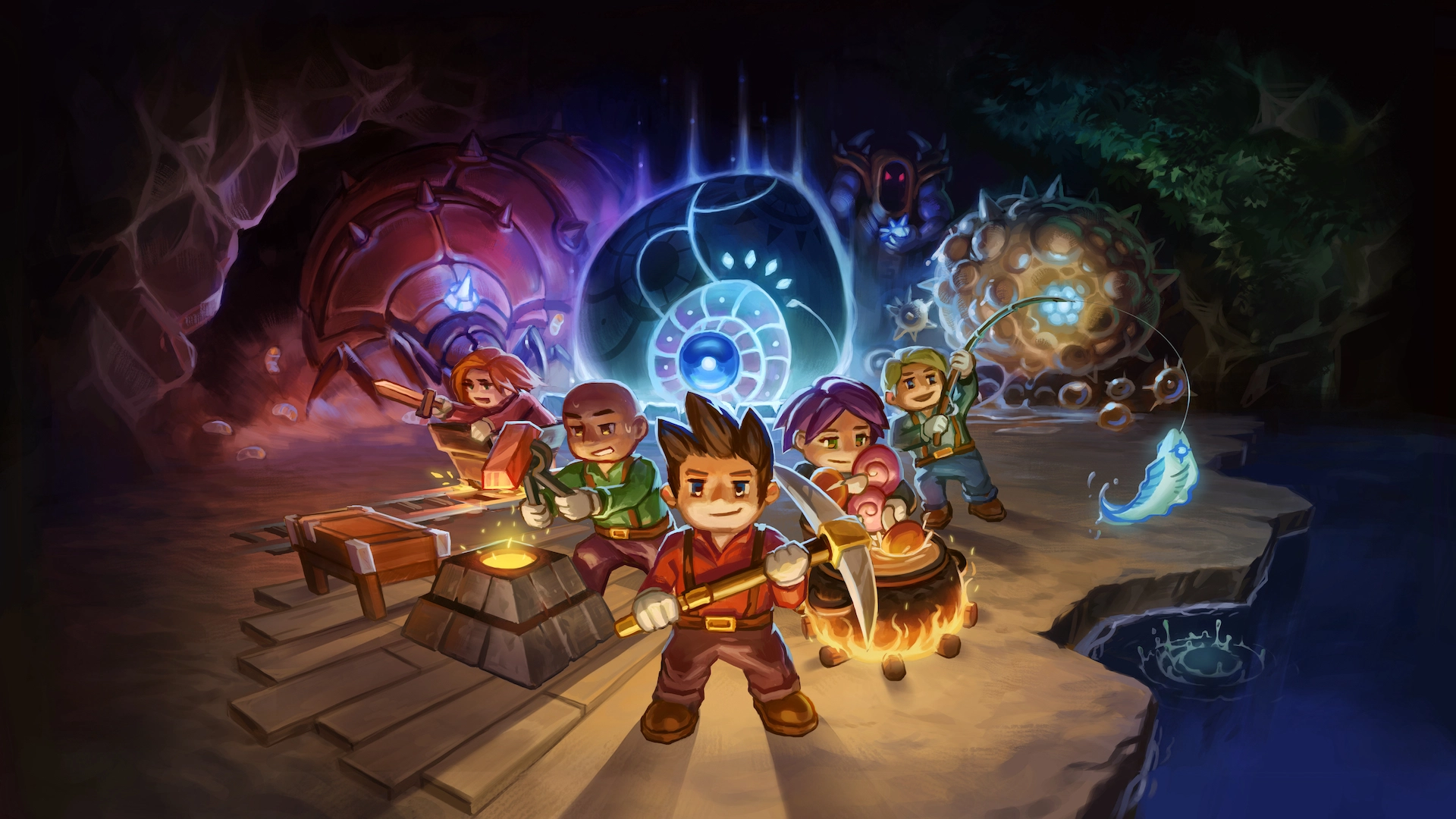
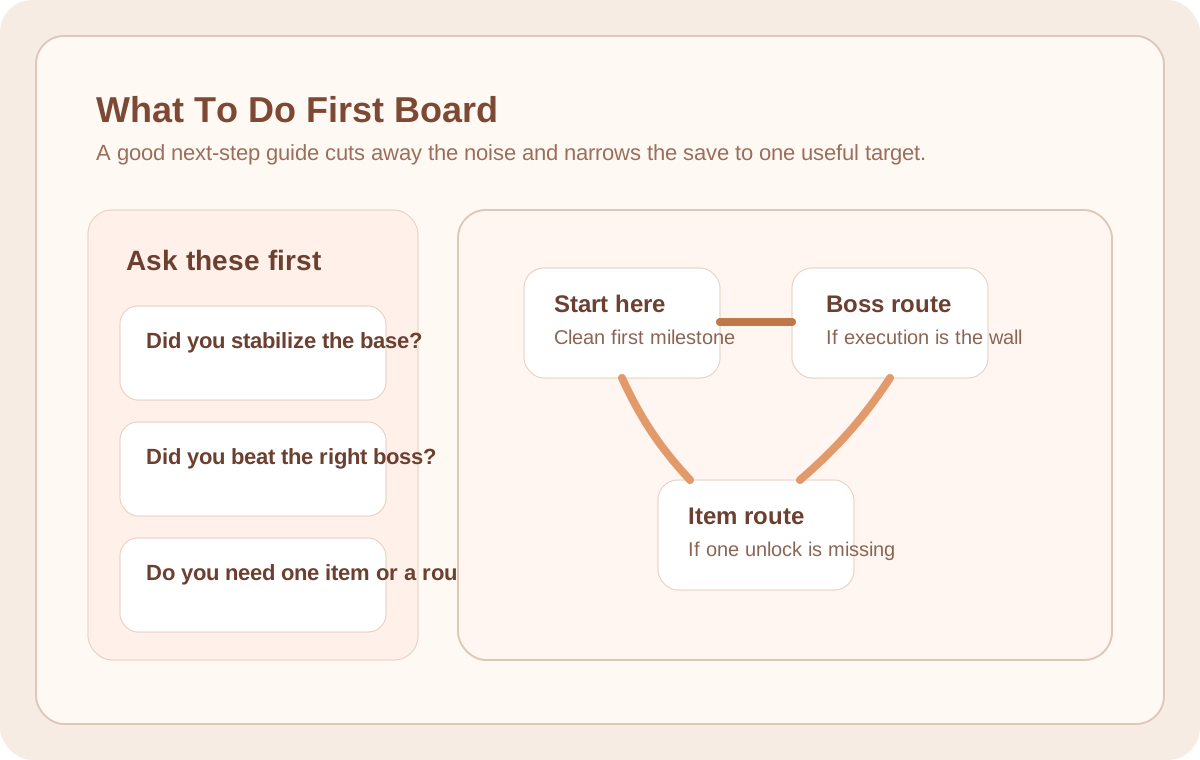
Official art gives broad update and start-here pages a more recognizable Core Keeper feel. The supporting editor notes explain the practical decision without replacing the real in-game scene.
Progression
Official art gives broad update and start-here pages a more recognizable Core Keeper feel. The supporting editor notes explain the practical decision without replacing the real in-game scene.
Choose by problem
Boss lane first
Open arena boards when the real problem is space, reset lanes, healing windows, or where to stand after one mistake.
Screenshot first
Use pages with clear screenshots when you already know the target and just need the shortest useful loop.
Progress map first
Open progression visuals when the save feels messy and the first need is seeing the milestone order before drilling into one page.
Search pattern first
Use map-style visuals when the issue is finding a place, sweeping a biome, or narrowing a search pattern that text alone does not explain well.
How to use these visuals
Progression
Visual note: Official gameplay screenshot with a separate editor note.
In your own save, verify the key moment you should recognize before acting on the guide.
Progression
Visual note: Official gameplay screenshot with a separate editor note.
In your own save, verify the key moment you should recognize before acting on the guide.
Progression
Visual note: Official gameplay screenshot with a separate editor note.
In your own save, verify the key moment you should recognize before acting on the guide.
Progression
Visual note: Official gameplay screenshot with a separate editor note.
In your own save, verify the key moment you should recognize before acting on the guide.
What makes a useful visual
Official art
Official Core Keeper images help show the real game mood, but page-specific captures should replace repeated shots first on boss routes, biome searches, and material farms.
Live capture
Map landmarks, room shapes, biome cues, and loot placement should stay in real captures whenever a clean screenshot explains the answer faster than annotation.
Labeled board
Arena lanes, sweep routes, and progression chains can use a board when a live scene keeps hiding the thing the reader is supposed to notice first.
Marked visual
Boss recovery, movement rhythm, and reset timing are easier to follow when a marked visual makes the important steps clear instead of leaving one screenshot to explain everything.
Static note
Labeled boards and supporting route images are static visuals, not playable videos. They are included to make a location, lane, or decision easier to compare with your own save.
Editor picks by visual need
Boss wipe fixes
Use these when failed attempts usually come from space, lighting, route shape, or panic recovery instead of not knowing the boss name.
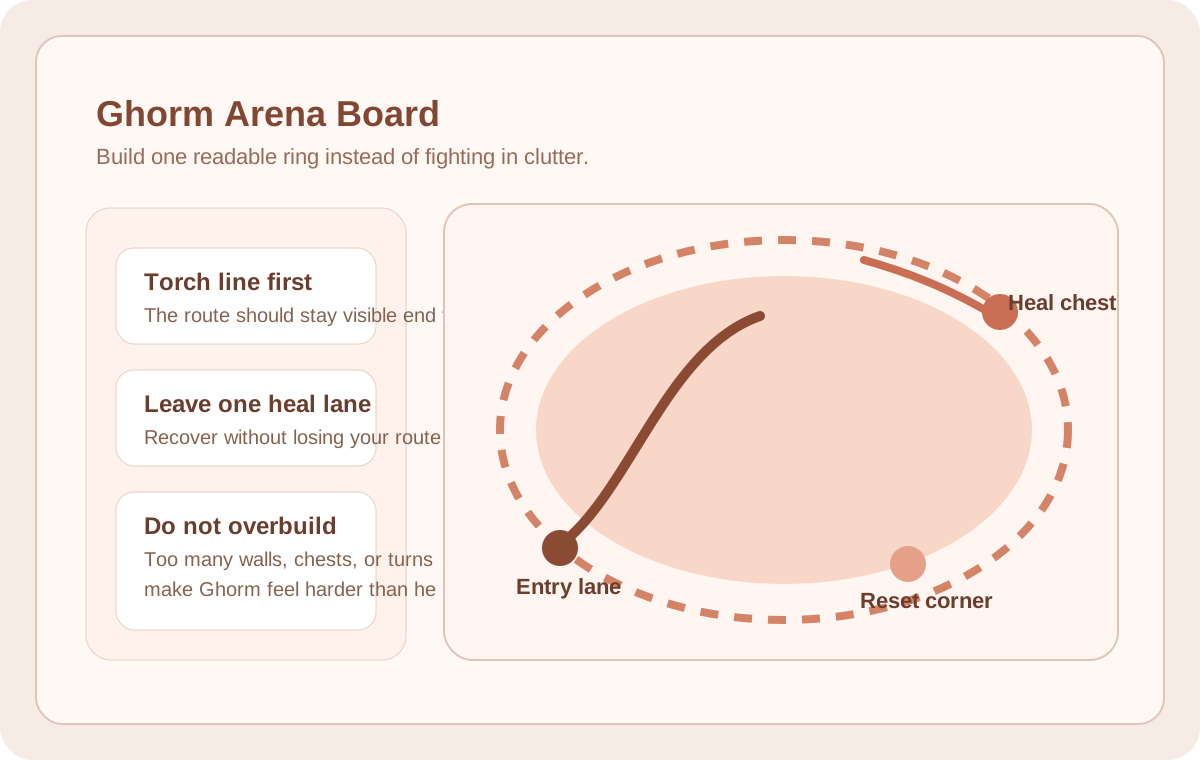
Open this arena board first
See the lane, heal pocket, and reset corner before the next attempt.
Milestone route
These are better than loose browsing when the save needs one clean chain from current stage to next unlock.
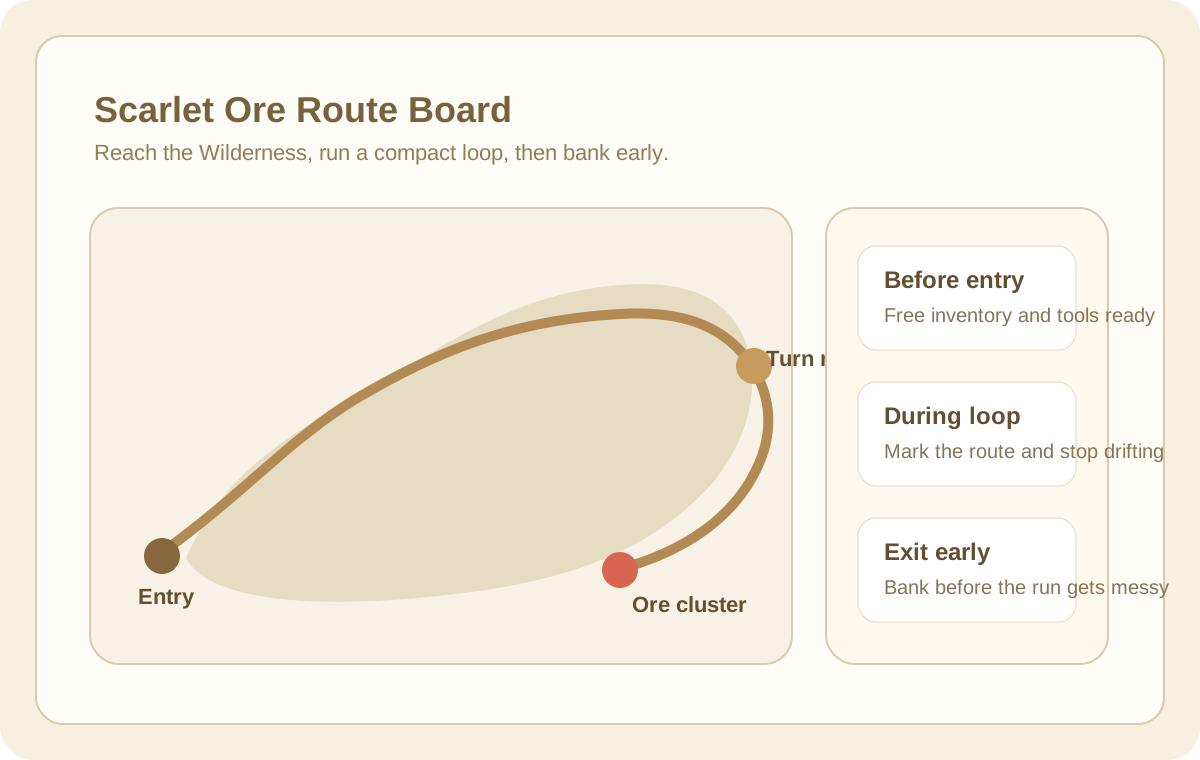
If the route ends in one material
Follow this next when the progression map makes Scarlet the only target that matters right now.
Comfort loops
Open these when the issue is travel flow, base friction, or repeatable route comfort rather than one isolated answer.
Open this flow board first
See portal, craft, storage, and exit flow before rebuilding the base the wrong way.
All visual guide pages
Items & Ore Boulder
The best early game weapons in Core Keeper are usually the strongest weapon from your current ore tier, plus one safe ranged option for awkward fights. Most players search this because they are unsure whether to craft the obvious upgrade now or hold out for something...
Items & Ore Boulder
Iron Ore is mainly found in The Forgotten Ruins, and most players stop struggling with iron the moment they stop digging random tunnels in the wrong biome. Community wiki documentation lists it as commonly found in the stone walls of that biome, and the mining reference...
Items & Ore Boulder
Tin Ore is mainly found in the Clay Caves, and most early players miss it at first because they keep extending one tunnel instead of confirming the biome change. The fastest way to find it is to leave the Core, push outward until the terrain shifts...
Items & Ore Boulder
The Admin Key looks like one item, but in practice it behaves like a small route project. Most of the frustration comes from starting too early, misreading which scene matters, or losing track of the three access cards halfway through the chain.
Items & Ore Boulder
Ancient Gemstone is one of those materials that feels mysteriously rare only when you search for it the wrong way. If you mine for it like ore, the session drags.
Items & Ore Boulder
Fiber usually becomes a problem in an annoying way: not because it is rare, but because players keep treating it like junk until three useful crafts stall at once. The real fix is not one lucky pickup.
Items & Ore Boulder
Galaxite usually starts feeling reliable only after the desert stops being "that dangerous biome I poke at sometimes" and becomes a route you can actually read. Most bad Galaxite sessions are not short on ore.
Items & Ore Boulder
Mechanical Parts waste the most time when players search for them like ore. They are not a wall node problem.