Player problem
Open this when the landmarks, return paths, or route memory no longer feel dependable after an update.
Map Route Recheck
An update entry for route trust, landmark changes, and map revalidation.
Database entries answer the first practical question. Once that answer is clear, the linked full page should take over.
Best linked page
Open the map-after-update checklist
Player problem
Open this when the landmarks, return paths, or route memory no longer feel dependable after an update.
Where to use this
Use this when the old map pattern still exists but the route no longer feels clean enough to trust.
What you need first
A route that felt reliable before, plus a reason to doubt it now.
Next click
Database fields
Updates
updates
Updates
Use this when the old map pattern still exists but the route no longer feels clean enough to trust.
Updates
Rechecking landmarks after a patch or long break.
Updates
Open the map
How to use this entry
Retest the route shape, then move into the exact location or map page that now fits.
Common mistakes
Visual cue
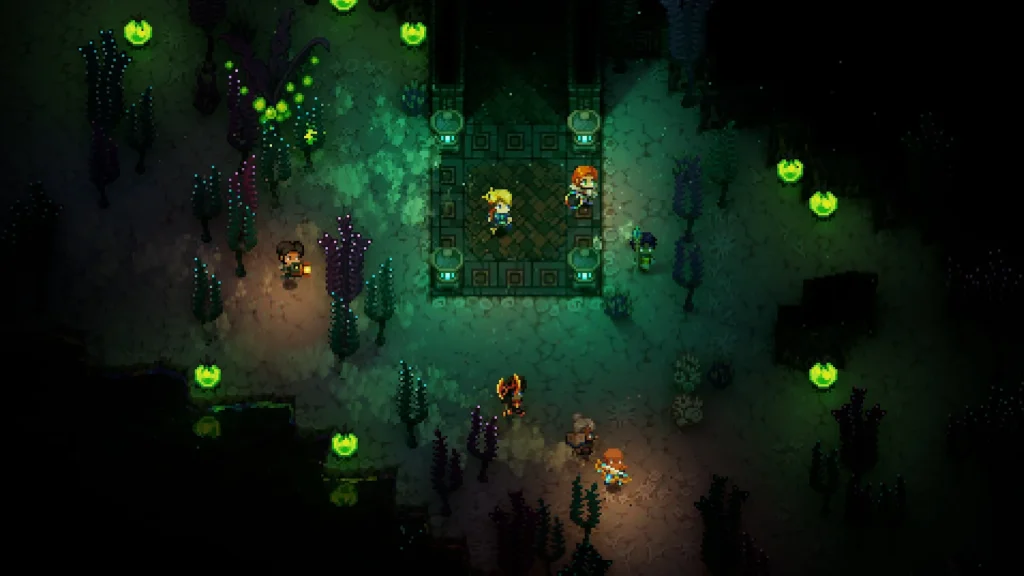
Map handoff
Use the Core as the return anchor when the next route is still unclear and the save needs one stable base loop again.
Next page after this
Tags
Related entries
Aug 2026
An update entry for rechecking the first few pages that old habits usually break first.
Aug 2026
A biome entry for separating landmark searches, Galaxite routes, and rare materials.
Aug 2026
A co-op entry for separating lag from setup, host, or version issues.