Player problem
Open this when a patch landed on a modded save and the old advice no longer feels stable.
Modded Save Recheck
An update entry for separating patch changes from mod baseline issues.
Database entries answer the first practical question. Once that answer is clear, the linked full page should take over.
Best linked page
Open the mods-after-update checklist
Player problem
Open this when a patch landed on a modded save and the old advice no longer feels stable.
Where to use this
Use this when the save is modded and you need to know whether the patch or the mod changed the result.
What you need first
A modded save and one trusted vanilla comparison point.
Next click
Database fields
Updates
updates
Updates
Use this when the save is modded and you need to know whether the patch or the mod changed the result.
Updates
Keeping modded-save troubleshooting honest.
Updates
Check the map page
How to use this entry
Re-establish the vanilla baseline before blaming the patch or the mod stack.
Common mistakes
Visual cue
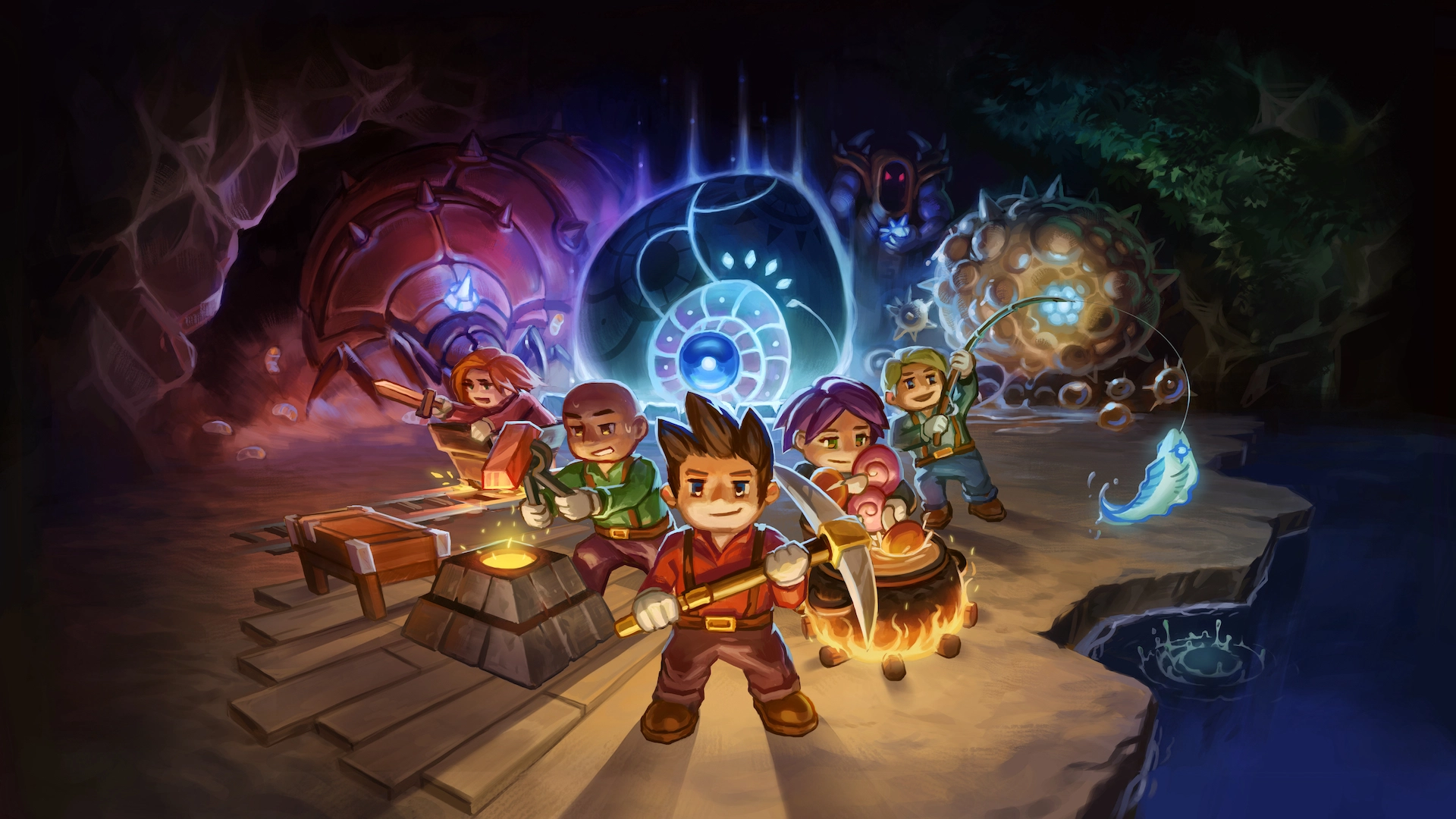
Map handoff
Use the Core as the return anchor when the next route is still unclear and the save needs one stable base loop again.
Next page after this
Tags
Related entries
Aug 2026
An update entry for rechecking the first few pages that old habits usually break first.
Aug 2026
A co-op entry for checking that every player is on the same version before deeper troubleshooting.
Aug 2026
An update entry for route trust, landmark changes, and map revalidation.